
Gekwalificeerde ingenieurs
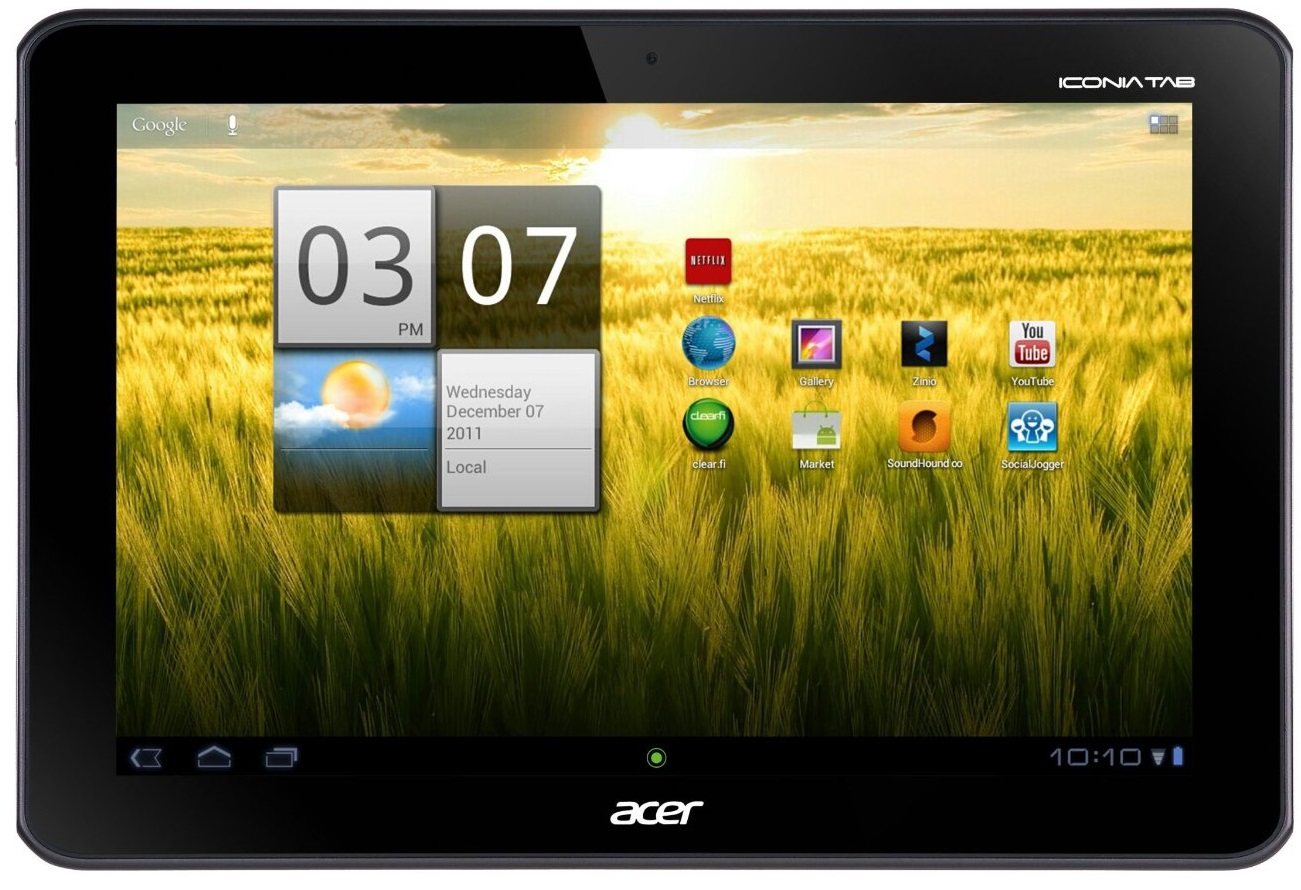
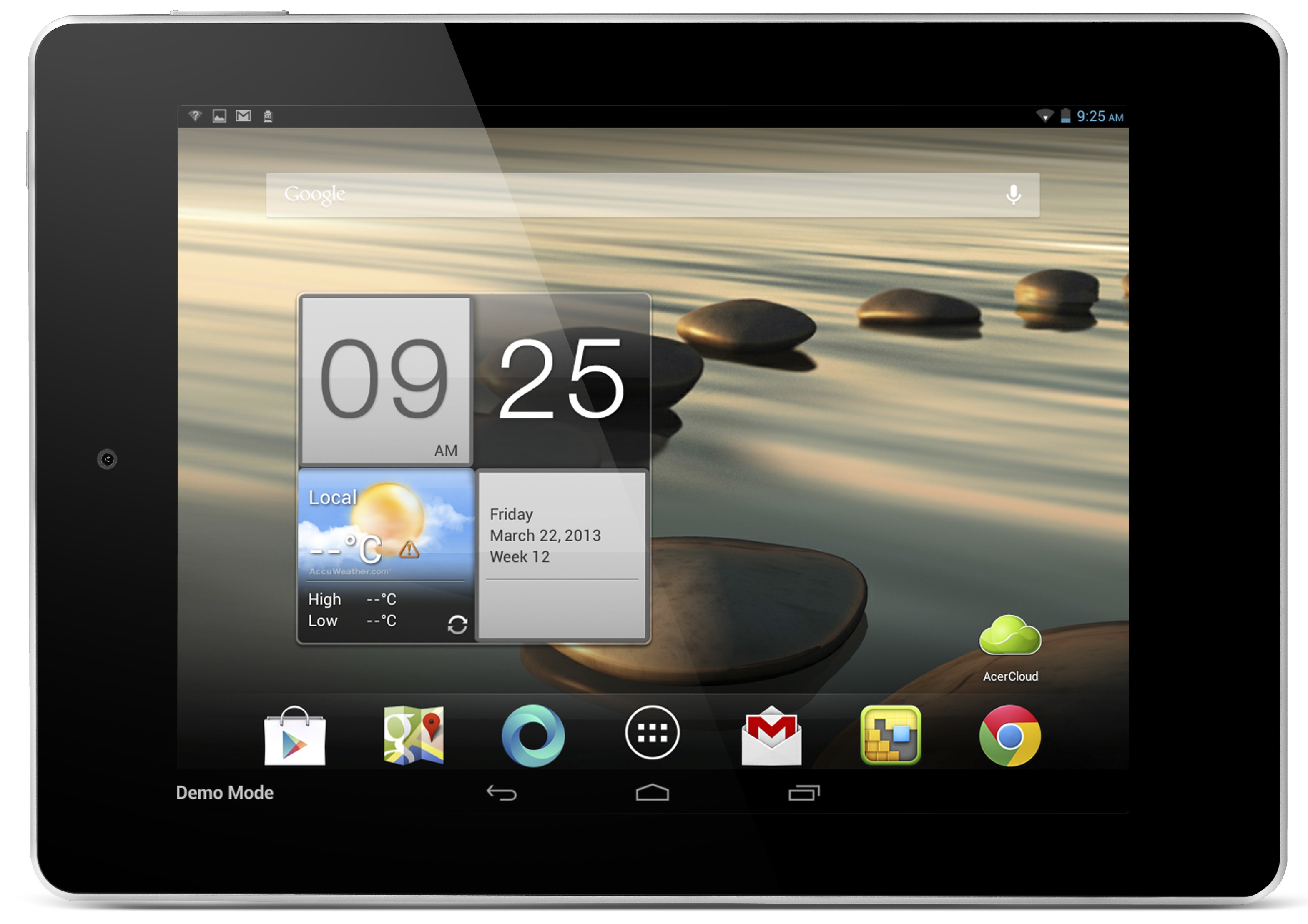
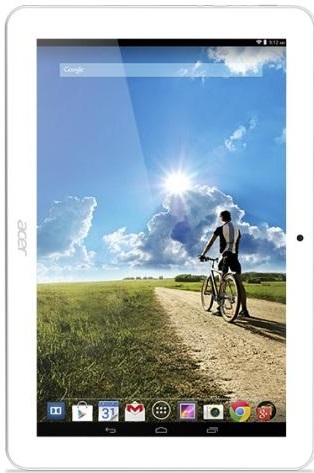
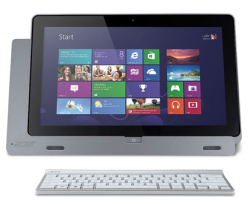
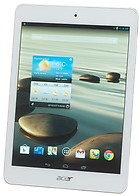
Acer Iconia Tab W510 Reparatie
 English
 Nederlands
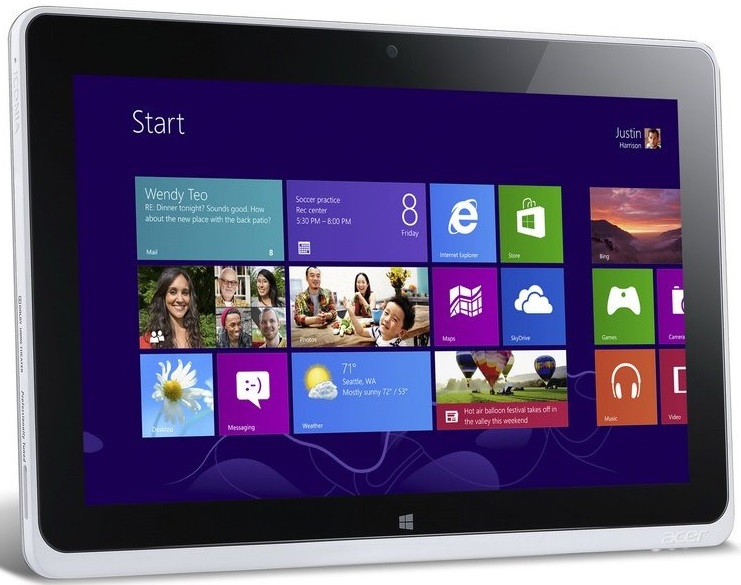
Iconia Tab W510 repair
Is uw Iconia Tab W510 aan reparatie toe? Zit er een barst in het scherm of werkt de batterij niet meer optimaal? Bij GSM Shop Oegstgeest B.v. te Zaandam bent u op het juiste adres voor alle herstellingen van uw Iconia Tab W510. De meeste reparaties voor de Iconia Tab W510 voeren wij binnen 1 uur voor u uit. U bent uiteraard welkom om uw apparaat langs te brengen. U kunt eenvoudig een afspraak online maken en wachten in onze showroom onder het genot van een kop koffie of thee, terwijl onze technici voor u aan de slag gaan. U kunt uw Iconia Tab W510 ook opsturen naar ons per post. U wilt uw Iconia Tab W510 natuurlijk zo snel mogelijk weer in gebruik nemen. Na ontvangst repareren wij uw apparaat direct en sturen wij deze dezelfde werkdag voor 19.00 nog terug naar u toe op! Op alle reparaties voor de Iconia Tab W510 geven wij 3 maanden garantie, u ontvangt natuurlijk ook een factuur direct na de reparatie.


How to find IMEI?
Retrieve IMEI number via your device:
Dial *#06#. The IMEI code will then appear on your screen.
Retrieve IMEI number without your device:
You can also find the IMEI number on your device's packaging or invoice.
How to send your device
Follow the steps:
- Remove accessories, SIM, and SD card.
- Unlock your device or write down the PIN or pattern on the attached registration form.
- Print your shipping label and registration form.
- Pack your device well and place it in a sturdy shipping box to prevent damage during transport.
- Place the registration form in the box and affix the shipping label to the box.
- Drop the package off at a collection point near you (PostNL, GLS, DPD, or UPS).
Gewaardeerd 4.9 van 5


